
Sees the bottleneck
before you do.
Continuously monitors work orders, machine and shift capacity, stock and shipment data from the MES/ERP; predicts delays hours ahead, suggests re-planning with alternative lines and priority order, brings shipment and material alerts to the right person. The planner always decides on plan changes.

It monitors the data and prepares the suggestion; the planner decides
The agent learns your production plan, line and shift capacity, routes and customer priorities; continuously compares shop-floor reality with the plan, catches deviations early and brings the planner a reasoned suggestion ready for approval.
Work order and capacity monitoring
Continuously reads work orders, machine status, shift and operator capacity from the MES/ERP; compares plan with reality and shows deviations by line and shift.
"Line 3: plan 480 / actual 310 pcs · 65%"Bottleneck and delay prediction
Calculates the work orders affected by downtime, speed loss and material waiting and the expected delay in hours; warns early if a priority customer delivery is at risk.
"4 work orders delayed 6 hours · 1 priority customer"Re-planning suggestions
Evaluates free capacity, alternative lines and priority order; shows each option's impact on delivery, overtime and changeovers. The planner chooses, the agent updates the plan.
"2 work orders to Line 5 · changeover 40 min · delivery kept"Shipment, vehicle and route alerts
Matches the shipment plan with production completion; warns about vehicle, loading window and route mismatches, prepares a customer briefing draft for delayed shipments.
"Shipment 14:00 → 18:30 · customer briefing draft ready"Stock–due date matching
Compares the work order's material needs with stock and open purchase orders; flags missing or late material before the work order starts and alerts procurement.
"WO-2041: 1 raw material missing · supply 3 days"Shift report and explainable reasoning
Summarizes production, downtime, deviations and decisions taken with their reasons at the end of every shift; shows the data and rule behind every suggestion, one-page report for plant management.
"Shift 2: OEE 71% · 3 stoppages · 2 plan changes"A sample shift with the operations agent
A representative working day: what the agent does from the stoppage to the shipment update, and the moments where the planner decides. Every approval and rejection is taught to the next similar situation.
- Downtime notice on Line 3
MES downtime code: hydraulic failure on the press. Maintenance estimate 5 hours; 4 open work orders on the line. - 4 work orders will be 6 hours late
Delay calculated; 1 work order is for a priority customer (delivery tomorrow 09:00). 7 hours of free capacity found on Line 5 in shift 2. - Re-planning suggestion ready
2 work orders can move to Line 5 (changeover 40 min), 1 queued after maintenance, a 2-hour overtime option for the priority customer. Each option's delivery impact shown. - Planner approved
The move to Line 5 and the overtime option approved; one work order postponed after talking to the customer. Decision recorded with its reason. - Plan and shipment updated
Work orders re-sequenced in the MES, notification sent to the Line 5 operator. Shipment 14:00 → 18:30; customer briefing draft sent to sales. - Material alert: WO-2041
One raw material for tomorrow's work order is short in stock; open purchase order arrives in 3 days. The agent alerted procurement and suggested an alternative sequence to the planner. - Shift report to plant management
Shift 2: OEE 71%, 3 stoppages, 2 plan changes. Priority customer delivery kept; 1 work order postponed, 1 material alert with procurement.
A downtime notice arrives for Line 3; the agent calculates the affected work orders and delay, finds free capacity and brings the planner only the options that need their decision.
teslim yarın 09:00approval neededHat 5 · kalıp 40 dkcan moveHat 5 · kalıp 40 dkcan movebakım sonrası sırada+4 hours14:00 → 18:30customer note readyHow does it work in your industry?
Pick your industry to see which planning and shipment work the operations agent takes over and how it works with your team.

OEM call-offs change daily; when a line stops, JIT delivery must not slip.
Matches OEM call-offs (EDI) with the production plan; calculates the JIT delivery impact of downtime on press, welding and assembly lines, suggests alternative lines and overtime; presents vehicle and cost options when an emergency shipment is needed.
- EDI call-off matchingCompares OEM call-offs with plan and stock, flags unfulfillable ones early.
- JIT risk alertsCalculates the delivery-time impact of downtime, prioritizes the priority customer.
- Tooling and line alternativesSuggests an alternative line accounting for changeover time.
- Emergency shipment optionsSubmits special vehicle and cost options for approval.

Shelf life and cold chain; when the plan slips, an alert should arrive, not spoiled product.
Reflects shelf life and raw material expiry dates in the work order sequence; matches shipments with cold chain and warehouse capacity, preserves batch traceability; tracks the waiting time of semi-finished product during downtime and suggests priorities.
- Shelf-life sequencingSuggests a work order sequence that uses raw materials close to expiry first.
- Cold chain and warehouseMatches shipments with cold storage capacity and vehicle temperature compatibility.
- Semi-finished waiting timeTracks product waiting during downtime, warns before risk arises.
- Batch traceabilityPreserves batch and lot records on plan changes and reports them.

Recipes, batches and quality release; even when the plan changes, the GMP sequence holds.
Monitors reactor and filling capacity in batch production; calculates the shipment impact of batches awaiting quality release; includes cleaning/validation times in plan changes; checks ADR and vehicle compatibility for hazardous shipments.
- Reactor and filling capacityMonitors the plan accounting for batch times and cleaning intervals.
- Batches awaiting releaseCalculates the shipment impact of release delays, suggests priorities to quality.
- Cleaning and validationAdds mandatory cleaning time to the plan on product changeovers.
- ADR and vehicle compatibilityWarns about vehicle and document compatibility for hazardous shipments.
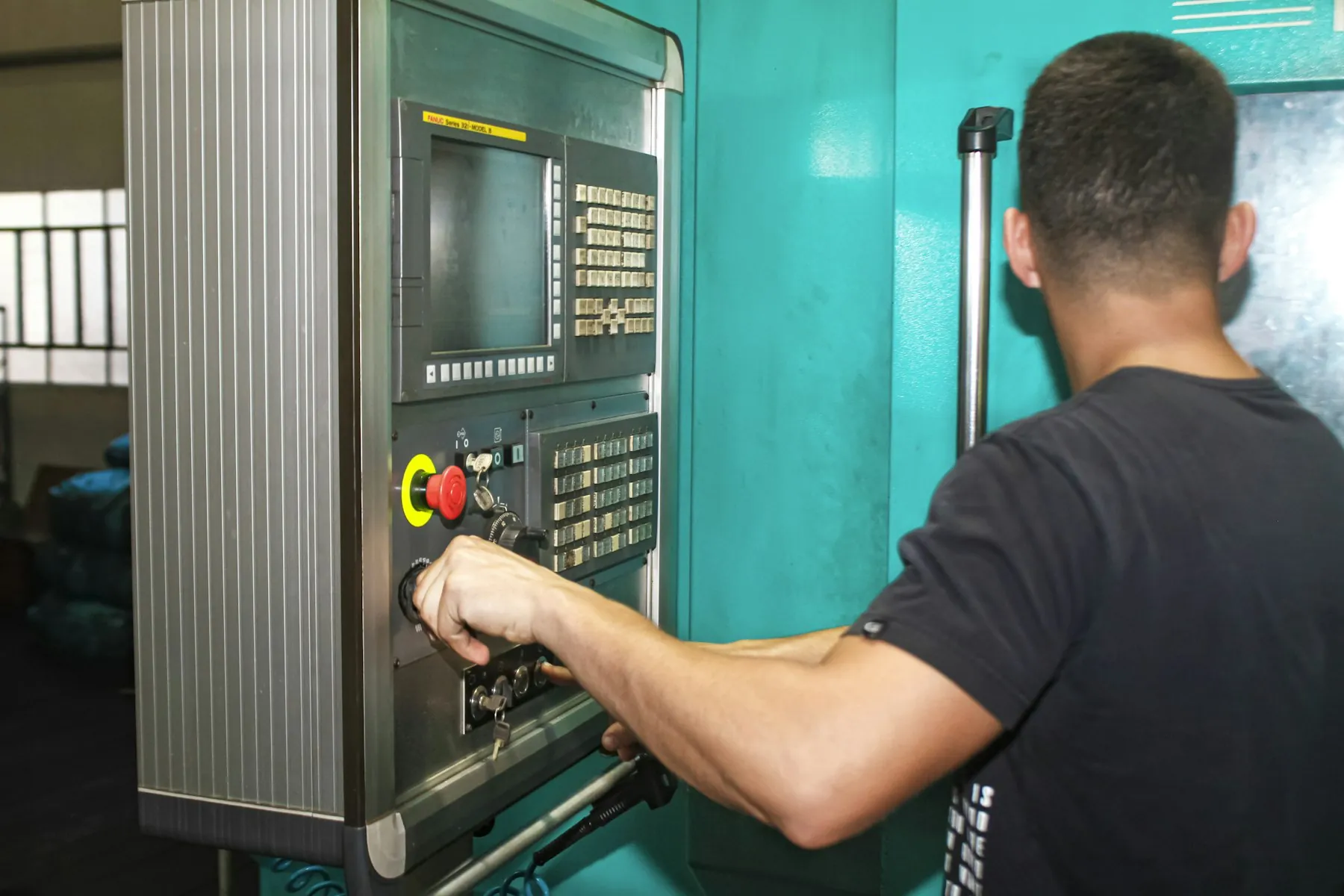
Furnaces, presses and machining; when one machine stops, the whole sequence is recalculated.
Monitors the work order sequence on furnace, press and CNC lines by machine availability and tool life; evaluates alternative machines and subcontracting during downtime; writes scrap and rework rates into the shift report; matches heavy-load shipments with vehicle and crane plans.
- Machine and tool lifeReflects tool change and maintenance plans in the work order sequence.
- Alternative machines and subcontractingPresents a suitable CNC or subcontracting option with its cost during downtime.
- Scrap and reworkWrites rates into the shift report, suggests root-cause analysis on increases.
- Heavy-load shipmentsMatches vehicle, crane and loading windows with production completion.
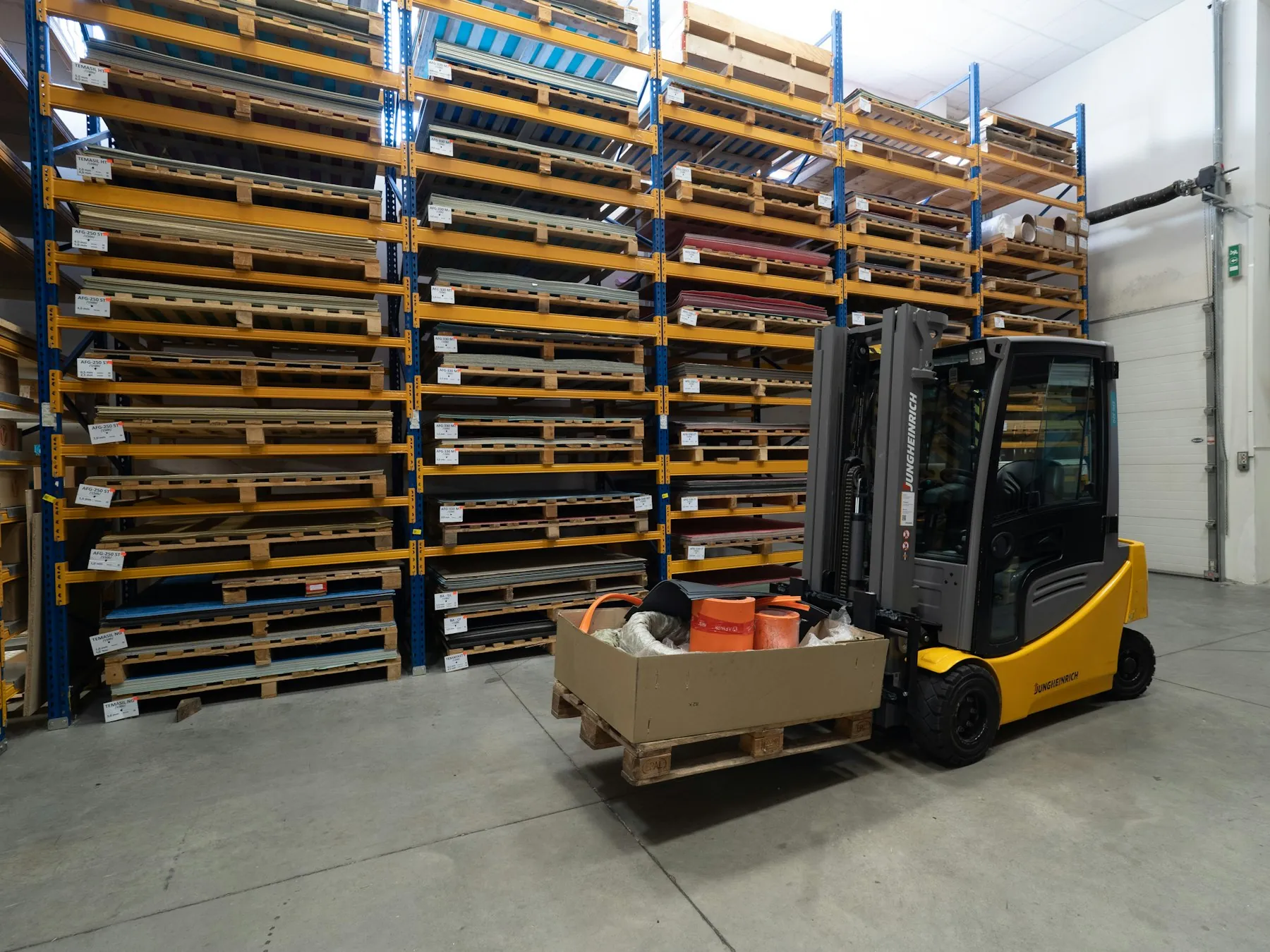
Vehicles, warehouses and routes; a delay should reach the operations team before the customer.
Monitors vehicle tracking, WMS and TMS data together; catches deviations in loading windows, routes and driver hours early, suggests route and vehicle changes; matches warehouse capacity with inbound shipments; prepares proactive customer briefings.
- Route and vehicle deviationsPresents traffic, breakdown and driver-hour deviations with route alternatives.
- Warehouse capacityMatches inbound shipments with dock and rack capacity, warns about congestion.
- Loading windowsMatches production completion with vehicle arrival, reduces idle waiting.
- Proactive customer briefingPrepares a customer briefing draft on delays, sent on approval.
Four steps, in-house
- 01
Connect
ERP, MES, WMS/TMS, IoT/SCADA counters and vehicle tracking are connected; line, shift and machine capacity, routes and customer priorities are uploaded. Without an MES, it starts with ERP and manual entry.
- 02
Teach
Rules are defined with the planning team: priority customers, changeover and cleaning times, overtime limits, which changes go for approval.
- 03
Run
The agent compares plan with reality, predicts delays and prepares suggestions; every plan change, overtime and customer notification goes to the planner for approval.
- 04
Improve
Every approval and rejection is written to corporate memory with its reason; the agent shows these precedents on similar stoppages, and capacity and rule definitions are updated with shift reports.
The agent works; decisions stay with the company
Every agent runs on-premise or in your own cloud; what it may do alone and what it submits for approval is defined by the authority matrix.
Runs in-house
Production, capacity and customer data never leaves the company; the agent runs on-premise or in your own cloud. MES and SCADA connections start read-only; write access is opened by rule.
Authority matrix
Which changes the agent makes alone (e.g. notifications) and which it submits for approval (plan, overtime, shipment): defined by impact size and role. Customer notifications go out only on approval.
Reason and trail for every suggestion
The agent shows which data and rule every suggestion rests on; every alert, suggestion and decision is recorded with a timestamp. The shift report is generated from this trail.
Human in the loop
The agent does not change the plan on its own: it monitors, predicts and suggests. Plan changes, overtime and customer briefing decisions always stay with the planner and the operations manager.
The operations agent grows with Nexage solutions
 NexOPSThe operations assistant: answers shop-floor questions and keeps shift reports and downtime records in the system the agent monitors.Workflow & ApprovalPlan change, overtime and customer notification approvals are given with one click in this flow and recorded.
 Field Service AgentOn a machine failure this agent runs the maintenance work order and technician plan; the downtime estimate feeds the operations agent.
Common questions
We have no MES, does it still work?
Yes. The agent starts with work orders in the ERP and downtime/production records operators enter on shop-floor screens or mobile; prediction accuracy improves as data arrives. MES or counter connections can be added later.
Does it change the plan on its own?
No. The agent detects the deviation, prepares the options with their impact and submits them to the planner; it writes the approved option into the MES/ERP. Which changes need approval (e.g. every plan change, overtime, customer notification) is defined by your rules.
Does it work with multiple plants or warehouses?
Yes. Each site is defined with its own capacity and rules; the agent also evaluates inter-site transfer options and brings each site's planner their own suggestions. A consolidated report is produced for central operations management.
Does our data leave the company?
No. The agent runs on-premise or in your own cloud; production, capacity, order and customer data is not transferred outside. MES/SCADA connections start read-only; write access is opened by rule and only for approved actions.
How accurate is the prediction, what if it is wrong?
The delay estimate is calculated from downtime duration, remaining work and capacity data and is shown with every suggestion; if the maintenance estimate changes, the suggestion is updated. The planner always makes the final decision; actual outcomes are compared with predictions and the model learns from your data.
Which ERP, MES and TMS systems does it work with?
Ready connections exist for common ERP, MES, WMS/TMS and vehicle tracking systems; OPC-UA/SCADA counters and EDI call-offs are supported. Others are connected via API or file transfer; your current systems and the scope are clarified in the discovery meeting.
How long does setup take and how is it priced?
Usually 6–10 weeks including system connections, capacity and rule definitions; a pilot on a single line or site is recommended. Pricing is an annual license + setup based on the number of sites and lines, connected systems and scope; a firm quote follows discovery.
See the operations agent with your own production data
In a 30-minute demo we upload a week of your work order and capacity data together; see with your own eyes how the agent predicts the bottleneck and suggests re-planning.