From lead to collection,
customer 360° on one screen.
Leads from the web, NexSales and the field are qualified, become opportunities, quotes pass approval, orders go to the ERP, collections are tracked. Every contact, quote and ticket on the customer card; the field team enters visits and orders on mobile. Forecasts rest on stage and probability instead of gut feeling.

Six capabilities from lead to collection
The sales team manages opportunities and quotes, the engine runs stage rules, reminders and the forecast; approval and pricing decisions stay with the manager. The customer card updates on its own with order, collection and ticket records.
Lead → opportunity → quote → order flow
Leads from the web form, NexSales and the field pass a qualification rule; opportunity stages, win probability and mandatory fields are defined. A won opportunity becomes an order in the ERP.
"Lead qualified → opportunity · probability 20%"Customer 360°
Contacts, interaction history, quotes, orders, open receivables and service tickets on one customer card; pulled automatically from the ERP and the ticket module. Sales walks into the meeting with the full picture.
"Kuzey Metal: 3 open quotes · 1 overdue receivable · 2 tickets"Mobile field sales
Daily route and visit plan, visit notes and photos, on-site order and collection entry; works offline, syncs when connected. Managers see visit frequency and outcomes.
"Today 6 visits · 4 done · 2 orders"Quote templates and price lists
Product and service items from the price list; manager approval when the discount threshold is exceeded; quotes are versioned and sent as PDF. The Sales & Quote Agent prepares the draft, the salesperson edits and sends.
"Quote v2 · discount 6% → sales manager approval"Sales forecasting and target dashboards
A pipeline weighted by stage and probability; target vs. actual by person, region and product; forecast variance from previous periods. The weekly sales meeting from one screen.
"Q4 forecast: 18.4 M TL · target 20 M · pipeline 3.1×"Campaign and segment management
Customers segmented by industry, volume and behavior; the campaign list is passed to NexSales, responses come back as leads; opportunities and wins tracked per campaign.
"Segment: no order in 12 months · 84 customers"The journey of an opportunity
A representative flow: from a web-form lead to an order in the ERP; which step the engine does and where the sales team and the manager decide. The same skeleton applies to opportunities born from field visits.
- Lead arrived from the web form
The procurement manager of Kuzey Metal A.Ş. left a "production line renewal" request in the web form. The engine opened the record and found the company in the ERP account list: a 3-year customer, last order 8 months ago. - Qualification and assignment
Qualification rule: manufacturing, 250+ employees, existing customer → score 78. By the territory rule it was assigned to Kocaeli field representative E. Aydın; a first-contact reminder within 24 hours was set. - First call, opportunity opened
E. Aydın spoke by phone and noted the need: 2 lines, Q1 delivery. Opportunity FRS-2026-0592 opened: estimated 1.45 M TL, stage "needs analysis", probability 20%. A visit for the technical team was scheduled. - Quote draft prepared
From the visit note, the Sales & Quote Agent produced a draft with the template: price list 2026-Q4, 2 lines + installation + 1-year maintenance. Since the 6% discount is above the 5% threshold, a sales manager approval step was added. - Sales manager approved the discount
The customer 360° summary in the approval inbox: 3-year revenue, good payment pattern, no open tickets. Reason: "strategic customer, Q1 capacity". Quote v2 was sent as PDF; stage "quote sent", probability 60%. - Customer accepted the quote
After the technical presentation the customer gave written approval. E. Aydın closed the opportunity as "won"; the order was transferred to the ERP as SİP-2026-3310, a 3-installment payment plan was defined. - Result: 360° and forecast updated
The order and the collection plan appeared on the customer card; the Q1 forecast rose by 1.45 M TL, regional target attainment moved to 71%. Opportunity duration: 19 days · sample.
Every opportunity is one record: customer, amount, stage, probability, next step, quote versions and contact history together. Who did what and when, in the activity trail.
Kuzey Metal A.Ş. · Kocaeliexisting customer1.45 M TL · 2 lines + maintenancequote v2quote sent · 3/5on time60% · stage ruleweighted 870kteknik sunum · 12 Kas2 days leftOpportunity board, customer 360°, mobile field
Sample screens: the kanban opportunity board for the sales director, the customer card for inside sales, the mobile visit screen for the field team.
| Stage | Probability | Required | SLA |
|---|---|---|---|
| Qualification | %10 | karar verici | 3 days |
| Needs analysis | %20 | ziyaret notu | 10 days |
| Quote sent | %60 | teklif PDF | 14 days |
| Negotiation | %75 | revize teklif | 7 days |
| Won | %100 | order no | — |
How does it work in your sales operation?
Pick your industry to see which flows come ready on day one and what is shaped by your stage, pricing and target rules.

Long sales cycles, technical quotes and multi-person decisions; every step on the opportunity card.
Project-based opportunities run jointly with the technical team; quotes come from configuration and the price list, discount and payment-term approval stays with the manager; order history and service tickets are visible to sales on the customer card.
- Project-based opportunity managementDiscovery, technical visit, quote and negotiation stages; mandatory fields at each stage.
- Quote and discount approvalPrice list and configuration items; manager approval for discounts and terms above the threshold.
- Sales through dealersDealer opportunities on the same pipeline with the Partner Portal; conflict check.
- After-sales visibilityService tickets and open receivables on the customer card; renewal opportunity reminders.
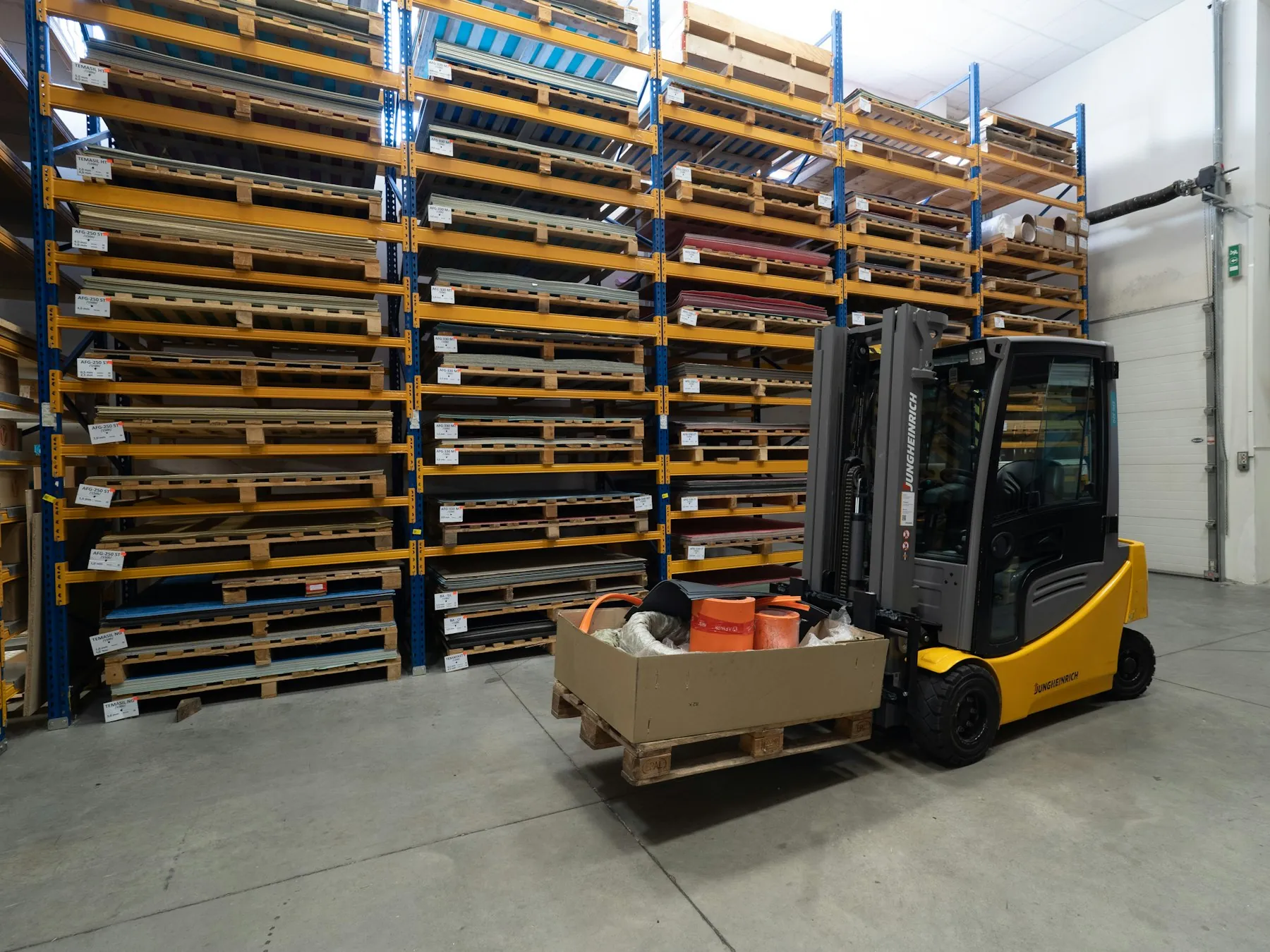
Hundreds of dealers and outlets, weekly visits; orders and collections from the field.
The field representative visits in route order, takes shelf and stock notes, enters the order and collection on site; the manager tracks visit frequency, order conversion and receivables aging by region.
- Route and visit planWeekly route, visit-frequency rule, skipped-outlet warning.
- On-site order and collectionOrders with price list and campaign; collection receipt from mobile.
- Receivables checkOrder limit at outlets with overdue receivables; finance approval.
- Campaign and segmentsSegments by volume and category; campaign list to the field.

Renewals, upsell and churn risk in subscription and project sales on one dashboard.
In consulting, software and subscription sales, opportunities are fed by renewal dates and usage data; quote templates come from service packages; project status and tickets are visible to sales on the customer card.
- Renewal opportunitiesAutomatic opportunity 90 days before contract end; with NexCLM.
- Upsell and cross-sellSuggestions from usage and ticket data; segment-based campaigns.
- Quote templatesService package, person-day and license items; approved text blocks.
- Churn riskCustomers with falling contact frequency and rising open tickets are flagged.

Corporate and bulk requests from NexSales into the CRM; customer history on one card.
Corporate and bulk-order requests NexSales captures on the website drop into the CRM as leads; inside sales qualifies, the quote goes out from a template; segments become campaign lists, results come back as opportunities.
- NexSales lead transferWeb and chat leads into the CRM with a qualification score; inside-sales queue.
- Bulk and corporate quotesPrice list and template for gift, corporate purchase and dealer requests.
- Segments and campaignsSegments by order history; campaign list to NexSales.
- Collection and return visibilityOpen receivables and return records of corporate customers on the customer card.

Fleet sales, dealer opportunities and after-service renewals on one pipeline.
Corporate fleet requests and opportunities coming through dealers on the same board; quotes from vehicle configuration and the price list; the vehicle park, service history and contract end dates on the customer card turn into renewal opportunities.
- Fleet sales opportunitiesMulti-vehicle quote, delivery schedule and financing options in one record.
- Dealer opportunity sharingOpportunities on the dealer side are visible to the center via the Partner Portal; conflict check.
- After-service renewalRenewal opportunity by vehicle age and service history; from the customer card.
- Test drives and visitsThe field representative closes the appointment on mobile, the outcome is recorded on the stage.
Live in four steps, in-house
- 01
Discovery
Your sales process, stages, opportunity sources (web, NexSales, field, dealers), quote approval rules and target structure are drawn together; existing CRM/Excel data is mapped.
- 02
Configuration
Stages, probabilities and mandatory fields, price lists and quote templates, territory and assignment rules are defined; roles come from the directory (AD/IdP); the mobile field app is set up.
- 03
Data migration and integration
Customers, contacts and open opportunities are migrated from the existing CRM or Excel; ERP account/order, e-mail/calendar, NexSales and Partner Portal connections are set up.
- 04
Go-live and training
Pilot with one region or team; the first weekly sales meeting is run from the forecast dashboard, the field team is trained on mobile, stage rules are fine-tuned with real data.
Start with one module, grow on the shared platform
All 12 modules share the same user directory, authority matrix, workflow engine and audit trail; they run on-premise or in your own cloud.
Runs in-house
Customer and opportunity data never leaves the company; the module runs on-premise or in your own cloud. Personal data is kept by KVKK rules, consent and deletion requests are recorded.
Territory and role-based visibility
The representative sees their own customers, the regional manager their region, the director everything; price lists and discount authority are defined by role. Portfolio handover in one operation when a representative leaves.
Activity and quote trail
Every contact, stage change, quote version and approval is kept with a timestamp; who approved which discount with which reason is visible in audits.
Shared platform
It shares the same user directory and authority matrix with the Partner Portal, Field Service and the Workflow engine; NexSales leads and service tickets flow into the same customer card.
Works with the partner portal, NexSales and the sales agent
 Partner & Distributor PortalOpportunities and orders on the dealer side appear on the same pipeline; conflict checks and dealer targets come from here.NexSalesTurns website visitors into leads; qualified leads drop into the CRM, campaign lists go from here to NexSales.
 Sales & Quote AgentPrepares quote drafts from visit notes and the price list, reminds about stalled opportunities; the salesperson sends.
Common questions
How does migration from our current CRM work?
Customers, contacts, open opportunities and activity history are migrated via export files (Excel/CSV or API); field mapping is done in discovery. Migration starts with a pilot region, the old system stays read-only for a while.
What happens when the field team is offline?
The mobile app keeps the route, customer card and price list on the device; visit notes, orders and collections are entered offline and sync when connected. In case of conflict the latest record is flagged.
How is it different from NexSales?
NexSales talks to visitors on your website and generates leads; the CRM qualifies that lead, turns it into an opportunity, quote and order, and keeps the customer history. They work together; the CRM is also used on its own.
Who approves quote discounts?
Price lists and the discount threshold are defined by role; discounts and terms above the threshold go to the sales manager or finance. The Sales & Quote Agent prepares the draft, approval and sending stay with people.
Does it connect to our existing ERP?
Yes. Accounts, orders and collections come from the ERP to the customer card; a won opportunity is transferred to the ERP as an order. Which field flows in which direction is decided in discovery.
On-premise or cloud?
Both. For customer data, on-premise or your own cloud account may be preferred; the mobile app works with either setup. Chosen in discovery.
Do we need to buy it together with the other modules?
No. Start with one module; the opportunity, quote and field flow works on its own. The Partner Portal and Field Service modules are added to the same platform later, the customer card stays shared.
Let's set up your sales pipeline together
In a 30-minute demo we draw your opportunity stages, quote approval rule and field visit routine together; see the kanban board, the customer card and the forecast screen live.