IT, administration, facilities:
one service desk.
Every request from the portal, e-mail, Teams and kiosk in one queue: AI classifies and prioritizes, assigns to the right team and starts the SLA clock. ITIL-aligned incident, problem, change and service request flows; self-service resolution with the knowledge base, CSAT at closure. The same desk for non-IT departments too.
Multi-channel intake, smart assignment, measured SLA
Wherever a request comes from, it becomes one record; the ITSM Support Agent classifies it, suggests the priority and applies known fixes, the team handles the exceptions. SLA, escalation and satisfaction are measured on every ticket.
Multi-channel intake
Self-service portal, mailbox, Teams bot, phone note and kiosk; all become one record. The requester sees status and estimated time and is updated on the same channel.
"Opened from Teams · INC-4471 · status: assigned"Incident, problem, change and service request
Four ITIL-aligned flows: recurring incidents link to a problem, change requests pass CAB approval, the service catalog offers form-based requests. Processes are edited in the designer.
"3 incidents → PRB-0088 · root cause: AP firmware"AI classification, priority and assignment
The ITSM Support Agent reads the text, suggests category and impact/urgency, assigns by queue and on-call roster; where a known fix exists (password reset, access) it applies it before the team sees it. Low confidence asks a person.
"Network › wireless · P2 · network team · confidence 93%"SLA, escalation and on-call roster
Response/resolution targets by priority and category; reminder as it approaches, escalation to the on-call engineer and manager when exceeded. Office-hours, holiday and 24/7 calendars are defined separately.
"P2: response 30 min · resolution 4 h · warning at 80%"Knowledge base and self-service
Article suggestions from resolved tickets; related articles surface while the user types a request in the portal, so they solve it themselves. Article usage and deflection rate are reported.
"VPN setup · 412 views · 61 tickets deflected"CSAT and performance analytics
A short survey at closure; average resolution time, L1 resolution rate, reopen rate and satisfaction by team, category and technician. A weekly summary to IT management.
"CSAT 4.6/5 · L1 resolution 68% · avg 3.2 h"The journey of a fault ticket
A representative flow: from a Teams message to closure, which step the desk and the agent do automatically and where a technician or manager decides. The same skeleton applies to administrative and facility requests.
- Ticket arrived from Teams
The Gebze warehouse lead wrote to the Teams bot: "No Wi-Fi in the warehouse, handheld terminals are down." The bot opened the record: INC-2026-4471, location and user filled automatically from the directory. - Agent classified and assigned
The ITSM Support Agent read the text: category Network › wireless, impact high (14 users), urgency high → P2 (confidence 93%). No known fix in the knowledge base; assigned to S. Kaya from the network team by the on-call roster, SLA clock started: response 30 min, resolution 4 hours. - Asset and history linked
The access point at the location, AP-GBZ-07, was linked to the ticket from the Asset module; 2 incidents from the same device in the last 30 days were found, the ticket detail showed a "recurring" tag and a problem suggestion. - Technician responded, diagnosed
S. Kaya saw the device in the monitoring tool: firmware fault, reboot as a temporary fix. The requester was updated via Teams; the SLA response target was met in 13 minutes. - Change request opened, CAB approved
Firmware update as the permanent fix: CHG-0211 opened as a standard change, the IT manager and warehouse manager approved on mobile; implementation window during the lunch break. - Fix verified, ticket closed
After the update the monitoring tool saw the device healthy; the agent linked 3 incidents to problem PRB-0088 and suggested a knowledge-base article draft. The requester received the closure notification and a 2-question CSAT survey. - Result: CSAT 5/5, problem closed
The warehouse lead completed the survey. Resolution time 4 h 23 min; whether the SLA target was exceeded, with the reason, is in the weekly report. The IT manager approved the article draft, now live in the knowledge base.
Every ticket is one record: channel, classification, priority, SLA clock, assignment, resolution steps, linked asset and CSAT together. The timeline is the audit trail.
INC-2026-4471 · TeamsopenAğ › kablosuz · ajan %93classifiedP2 · etki yüksek14 usersyanıt 13 dk · çözüm 4 sa 23 dktarget 4 hS. Kaya · ağ ekibiclosedTicket queue, ticket detail, SLA/CSAT dashboard
Sample screens: the queue for the help desk, the ticket detail with timeline for the technician, the SLA and satisfaction dashboard for IT management.
| Type | Record | Relation | Status |
|---|---|---|---|
| Asset | AP-GBZ-07 | etkilenen | bakımda |
| Problem | PRB-0088 | kök neden | open |
| Change | CHG-0211 | kalıcı çözüm | onaylı |
| Article | KB-0417 | taslak | onay bekliyor |
How does it work on your service desk?
Pick your industry to see which ticket types and SLA templates come ready on day one and what is shaped by your rules.

An IT fault that stops a line becomes P1; tickets from the shop floor by kiosk and mobile, straight to on-call.
Production line, warehouse and office tickets on one desk; priority rises automatically with location and affected line. On-call roster by shift pattern, tickets on the OT/IT boundary are shared with the maintenance team.
- Priority by line impactP1 when "line stopped" is selected; instant escalation to on-call and the IT manager.
- Kiosk and mobile ticketsShared kiosk on the floor or phone via QR; the user is recognized from the directory.
- Shift-based on-call rosterSeparate SLA calendars for 3 shifts; night assignments to on-call.
- Shared OT/IT ticketsPLC/HMI connectivity issues double-assigned to maintenance; with the Asset module.

POS, printer and facility tickets from hundreds of stores; the store manager opens them in one place, head office sees one queue.
Store tickets are tagged by location and region; POS and till faults get high priority automatically; facility tickets (AC, lighting, cleaning) route to external service from the same desk.
- POS and till faultsP1/P2 by store revenue impact; work order to field service or an external vendor.
- Facility and maintenance ticketsAC, lighting, cleaning; external service assignment and SLA tracking.
- Store opening/closing setupMulti-step catalog request: network, POS, cameras, users.
- Region-based reportingTicket volume, SLA and satisfaction summary for store and regional managers.

One shared service desk for group companies; company-level SLA, a shared knowledge base, allocatable costs.
Each group company sees its own queue and report; shared services (IT, HR, administration) run on one desk. Company-level SLA and service catalog, a cost allocation report by ticket volume.
- Shared service deskIT, HR and administrative tickets; separate queue and permissions by company tag.
- Company-level SLA and catalogA different service catalog and target per company; a shared knowledge base.
- Cost allocationService cost report per company by ticket volume and duration.
- Change management (CAB)Multi-company approval for changes affecting group infrastructure.
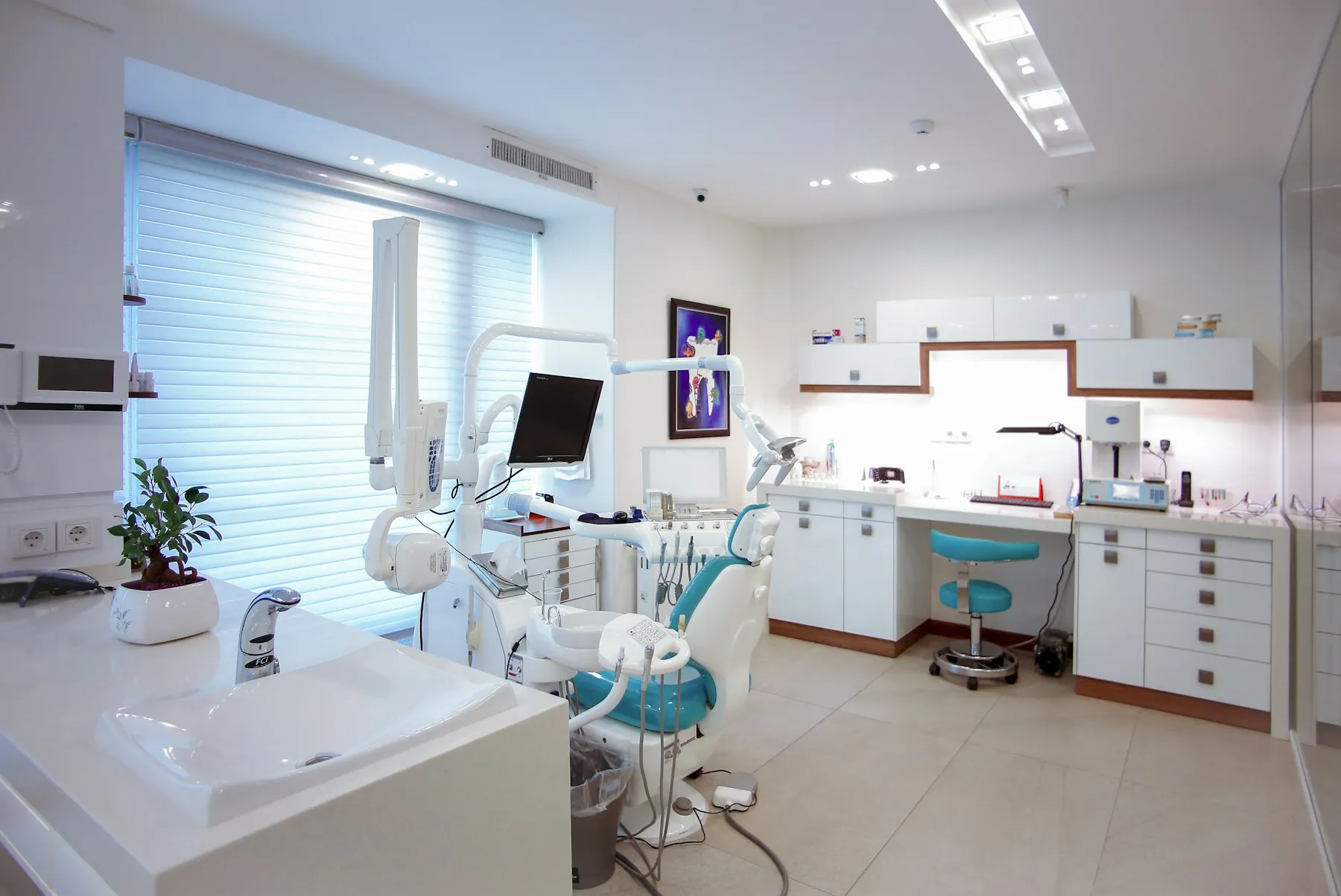
A clinical system fault counts in minutes; biomedical, IT and facility tickets on one desk, with patient safety first.
HIS, device and facility tickets are prioritized by clinical impact; biomedical and IT teams on the same desk; 24/7 on-call, restricted permissions in sensitive areas, a full record for audits.
- Clinical impact priorityTickets from the emergency department and operating rooms become P1/P2 automatically.
- Biomedical device ticketsDevice faults by serial number from the Asset module; calibration history linked.
- Access and permission requestsHIS permission requests with chief physician approval; the agent grants access after approval.
- Facility and patient room ticketsFrom the nurse station by kiosk; to the facility team with an SLA.

The support you give your customers and your own internal IT on the same desk; customer-level SLA, portal and reporting.
External customer support tickets and internal tickets in separate queues on the same engine; SLA by customer contract, a customer portal, a customer-facing section of the knowledge base; the agent applies the first response and known fixes.
- Customer-level SLAContract targets reflected in the queue; breach risk to the account manager.
- Customer portal and knowledge baseThe customer opens the ticket and sees status; self-service with articles.
- Software bug and change flowIncident → problem → change; integration with development tools.
- On-call and monitoring integrationA monitoring alarm opens an incident automatically; on-call notified.
Live in four steps, in-house
- 01
Discovery
The most common ticket types, teams, on-call pattern and current SLAs are mapped together. Open tickets and history in the existing ticket tool or mailbox are documented.
- 02
Configuration
Service catalog, categories, priority matrix, SLA calendars and queues are set up; teams come from the directory (AD/IdP). The ITSM Support Agent learns classification from your historical tickets.
- 03
Data migration and integration
Open tickets and the knowledge base are migrated from the existing tool; e-mail/Teams, MDM, monitoring tools and the Asset module are connected.
- 04
Go-live and training
Live with a pilot team (usually the IT help desk); in the first week agent suggestions are approved by people, and automatic application opens as confidence rises. Administrative and facility teams are added in turn.
Start with one module, grow on the shared platform
All 12 modules share the same user directory, authority matrix, workflow engine and audit trail; they run on-premise or in your own cloud.
Runs in-house
Ticket contents, attachments and user data never leave the company; the desk and the agent run on-premise or in your own cloud. KVKK rules and retention periods apply.
The agent suggests, people set the limits
You decide in which categories the agent may apply fixes automatically and where it only suggests. Every automatic action is reversible and shows in the record with an "agent" tag; low confidence asks a person.
Audit trail
On every ticket: who did what and when; on changes, the approval chain and implementation window; exportable, immutable record. Role- and location-based visibility is restricted in sensitive areas.
Shared platform
The desk shares the same user directory and workflow engine with the Asset, HR and Workflow modules. Onboarding requests come from HR, device faults from the asset card, change approvals from the shared engine.
The service desk works together with the asset and HR modules
 Asset & Inventory ManagementA fault ticket links to the device's card; maintenance history and warranty appear in the ticket detail, and recurring faults become a problem suggestion.
 HR & Employee PlatformOnboarding and offboarding flows open service requests on the desk automatically: accounts, devices, access; results return to HR when complete.
 ITSM Support AgentWorks inside the desk: classifies the ticket, suggests priority, applies known fixes, drafts articles; you set its limits.
Common questions
How do we migrate from our current ticket tool?
Open tickets, categories and the knowledge base are migrated from an export file or via API; historical tickets are used for the agent to learn classification. Usually both tools run in parallel for a transition week, then the old tool stays read-only.
Can non-IT departments use it too?
Yes. Administration, facilities, HR and procurement work on the same desk with their own service catalog, queue and SLA; there is one portal for the requester. Permissions and reports are separated by department.
How does it relate to asset records?
When a ticket is opened, the user's assigned device or the equipment at the location is suggested automatically; a fault ticket links to the asset card, and maintenance and warranty history appear in the ticket detail. Without the Asset & Inventory module, a free-text asset field is used.
What does ITIL-aligned mean?
Incident, problem, change and service request flows come ready with ITIL-aligned process design: definitions, priority matrix, CAB approval and problem linking follow this framework. It is a process design choice, not a certification; you can adapt the processes to your own practice.
What if the agent classifies wrongly?
The technician corrects it with one click; the correction is recorded and improves the agent's later suggestions. Automatic resolution applies only in categories you allow and above the confidence threshold; every ticket below it is referred to a person.
On-premise or cloud?
Both are possible. The desk and the agent run on-premise or in your own cloud account; ticket contents and user data stay inside. The choice is settled in discovery.
Do we have to buy the other modules with it?
No. The service desk is installed on its own and works with your existing directory, e-mail and Teams. When the Asset and HR modules are added, device cards and onboarding flows merge on the same platform; no reinstallation.
Let's set up your service desk together
In a 30-minute demo we define your 3 most common ticket types (password, access, fault, facility…) together; see classification, assignment and the SLA dashboard live.