
Every request to the right person,
on time.
Build request, approval and task flows without code using the form and process designer. The route sets itself by amount, unit and location; escalation when the SLA is exceeded, a record at every step. The shared workflow engine of 12 modules; it also works standalone.

No-code design, rule-based routing, measurable processes
The process owner draws the form and the flow; the engine sets the route by the authority matrix, sends notifications, measures time and shows the bottleneck.
Form designer
Drag-and-drop fields, required and conditional rules, calculated fields, attachments; the same form on web and mobile.
"If amount > 50,000 TL, technical spec is required"Process designer (BPMN 2.0 compatible)
Sequential/parallel approvals, conditional branches, sub-processes, timers. Processes are versioned; open requests keep flowing on their original version.
"v3 live · 14 open requests on v2"Authority matrix and dynamic routing
The approver is determined at runtime from amount, unit, location, cost center and similar fields; delegation and backup approvers are defined.
"184,000 TL → CFO approval added"SLA, reminders and escalation
A target time for every step; reminder as it approaches, escalation to the manager or automatic reassignment when exceeded. Holiday and working-hour calendars apply.
"Step 2: 3 business days · reminder 1 day before"Multi-channel notifications and approvals
One-tap approve/reject from e-mail, Teams, SMS and mobile push; a reason can be made mandatory. Bulk approval and an approval inbox.
"Approved from Teams · reason: within budget"Process analytics
Average time per step, waiting, send-back rate and bottlenecks; a weekly summary for the process owner. Which step takes long and why, visible in data.
"Bottleneck: CFO approval · avg 2.4 days"The journey of a purchase request
A representative flow: from form to result, which step the engine does automatically and where a person approves. The same skeleton applies to leave, expense, contract and change requests.
- Request form submitted
A production engineer opened a lab-equipment request from mobile: 184,000 TL, 2 quotes and a spec attached. The form rule made the spec mandatory above the threshold. - Route determined
The engine checked the authority matrix: unit manager → procurement → CFO (amount above 150,000 TL). SLA: 3 business days total. Budget check from the ERP automatically: cost-center budget available. - Unit manager approved
One tap from the Teams notification, reason: "in the annual investment plan". Recorded with a timestamp in the audit trail. - Assigned to procurement, reminder set
Dropped into the procurement queue; a reminder at the end of business day 1 and escalation to the procurement manager after day 2 were scheduled. - Procurement: 3rd quote requested
The procurement specialist sent the request back with "more information"; the requester added the 3rd quote and the process continued from the same step. - CFO approved
From the mobile approval inbox; automatic summary: amount, budget status and the 3-quote comparison on one screen. - Result: purchase requisition in the ERP
The approved request was transferred to the ERP as a draft purchase order; the requester was notified. Process time: 7 hours · target 3 business days.
Every request is one record: form data, route, approvals, durations and attachments together. Who did what and when, in the audit trail.
10:40 · Teamsapproved14:20 · returnedmore info15:10 · 3 teklifapproved16:05 · mobilapprovedPO-2026-1187completedDesigner, approval inbox, process analytics
Sample screens: the designer for the process owner, the mobile inbox for the approver, the bottleneck dashboard for management.
| Amount | Unit | Approver | SLA |
|---|---|---|---|
| < 20,000 TL | all | unit manager | 1 day |
| 20–150k | all | + procurement | 2 days |
| > 150k | all | + CFO | 3 days |
| > 1 M | all | + GM | 5 days |
How does it work in your processes?
Pick your industry to see which flows come ready on day one and what is shaped by your rules.

Purchasing, maintenance, quality and shift requests on one engine; mobile approval from the shop floor.
Purchase request, work-order approval, CAPA, deviation and shift-change flows come as ready templates; the authority matrix is set by plant and cost center.
- Purchase and investment requestsUnit → procurement → CFO by amount thresholds; budget check from the ERP.
- Maintenance and work-order approvalUnplanned maintenance request, downtime reason and parts request in one flow.
- Quality deviation and CAPANonconformity → root cause → action → verification; with the Quality module.
- Shift and overtimeShift supervisor request, HR approval, transfer to payroll.

Requests from hundreds of stores should not drown head office; routing by region and amount.
Store expenses, price changes, campaign approvals and staff requests flow to the regional manager and head office; the store manager opens them on mobile and sees the outcome.
- Store expense and maintenance requestsRegional manager / head-office approval by amount and region.
- Price and campaign approvalCategory manager → marketing → finance; publication date with a timer.
- Staff requestsHiring, shift and leave flows with the HR module.
- Store opening checklistMulti-unit task tracking with sub-processes.

The same authority matrix and the same audit trail across group companies.
Company-level authority matrices in one place; contract, payment and investment approvals flow by group policy; internal audit sees every step with its version.
- Group authority matrixApprover by company, amount and type; group CFO threshold.
- Payment and investment approvalsWith the Financial Workflows module; multi-level and parallel approval.
- Contract approval flowWith NexCLM; legal → procurement → finance → GM.
- Audit reportsWho, when, which version; exportable trail.

Consumable, device and drug requests from the clinic to procurement; on-call and leave flows to HR.
Clinical requests, device fault reports, drug/consumable orders and staff flows; routing by priority and urgency rules; sensitive data visible by the authority matrix.
- Consumable and drug ordersWard → pharmacy/warehouse → procurement; short route for urgent orders.
- Device faults and maintenanceBiomedical approval, work order to the Field Service module.
- On-call and leaveChief physician/HR approval; calendar clash check.
- Committee decisionsMulti-person parallel approval with meeting-record attachment.
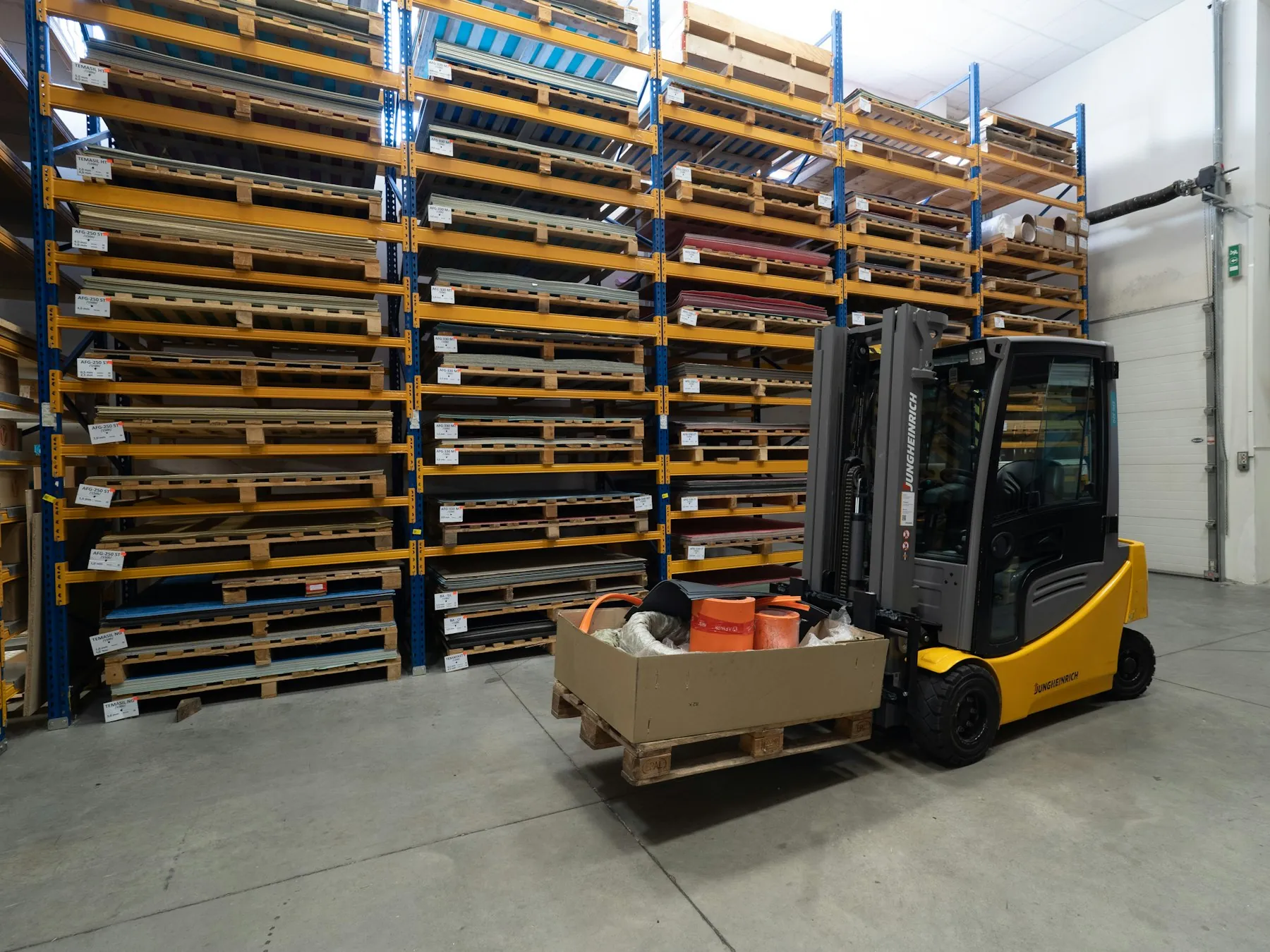
Vehicle, fuel, damage and shipment exceptions from the field on mobile; one queue at the center.
Drivers and warehouse staff open requests from the phone; vehicle maintenance, damage reports, fuel advances and shipment exceptions go to operations and finance approval.
- Vehicle maintenance and damagePhoto report → fleet manager → service work order.
- Fuel and travel advancesAutomatic limit by route rule; finance approval.
- Shipment exceptionsAccount manager approval for off-route/off-hours delivery.
- Warehouse safety reportsInstant escalation to the OHS officer.
Live in four steps, in-house
- 01
Discovery
We draw your 3–5 most problematic processes together: steps, approvers, thresholds, exceptions. Existing e-mail/Excel flows are mapped.
- 02
Configuration
Forms, processes and the authority matrix are built in the designer; roles come from the directory (AD/IdP). Notification channels and the SLA calendar are defined.
- 03
Integration
ERP budget/order, HR/payroll, e-mail/Teams connections; other Nexage modules use the same engine, so no extra setup.
- 04
Go-live and rollout
Live with a pilot unit; bottlenecks appear in process analytics in the first week, process owners are trained, new processes are added by your own team.
Start with one module, grow on the shared platform
All 12 modules share the same user directory, authority matrix, workflow engine and audit trail; they run on-premise or in your own cloud.
Runs in-house
Request and approval data never leaves the company; the engine runs on-premise or in your own cloud. KVKK rules and retention periods apply.
One authority matrix
Who sees what, who approves what: defined by role, amount, unit and location; including delegation and backup-approver rules. All modules use the same matrix.
Versions and audit trail
Processes are versioned; on every request: which version, who, when, with which reason. Exportable, immutable record for audits.
Shared platform
Procurement, HR, finance, CLM and the other modules run on top of this engine; start with one module and grow on the same user directory and workflow engine.
The approval engine is the backbone of the other modules
 Procurement & Vendor PortalThe request-budget-approval flow runs on this engine; it adds the RFQ and order steps.
 Electronic Document & ArchiveEvery approved request and attachment is linked to the archive as a signed document; the e-signature chain comes from the same flow.
 Operations & Logistics AgentSees bottlenecks and late approvals ahead of time and submits re-planning suggestions into the flow.
Common questions
Can we change processes without IT?
Yes. The form and process designer is made for the process owner: adding fields, changing approvers, updating thresholds and new branches need no code. Changes are published as a new version; open requests complete on the old version.
Does it conflict with existing ERP approvals?
No. It usually runs in front of the ERP: requests are collected and approved here, the result is transferred to the ERP as an order/record. Approvals you want to keep in the ERP stay as they are; the boundary is drawn in discovery.
How does mobile approval work?
One-tap approve/reject from e-mail, Teams, SMS and mobile push; summary and attachments on the same screen. A reason can be made mandatory, bulk approval is available.
What happens when an approver is on leave?
Delegation rules: requests of an approver with a leave record fall to the backup approver, the SLA clock keeps running. Delegation can be disabled for certain amounts.
What is BPMN 2.0 and does it matter to us?
It is the process-diagram standard; the designer is compatible with this notation and your existing BPMN diagrams can be imported. What it means for you: process diagrams can be read and edited without depending on a consultant or developer.
Can it be used standalone without the other modules?
Yes. The engine works on its own as a request/approval system. Every Nexage module added later comes with the same engine and authority matrix; no reinstallation.
How long does setup take and how is it priced?
Usually 3–6 weeks to go live with the first 3–5 processes. Pricing is an annual license + setup based on the number of users and integration scope; a firm quote follows discovery.
Let's draw one of your processes together
In a 30-minute demo we design one of your most stuck approval processes (purchasing, leave, contracts…) together; see the route, SLA and notifications live.